Harness engineering / An illustrated explanation
How an AI agent harness works
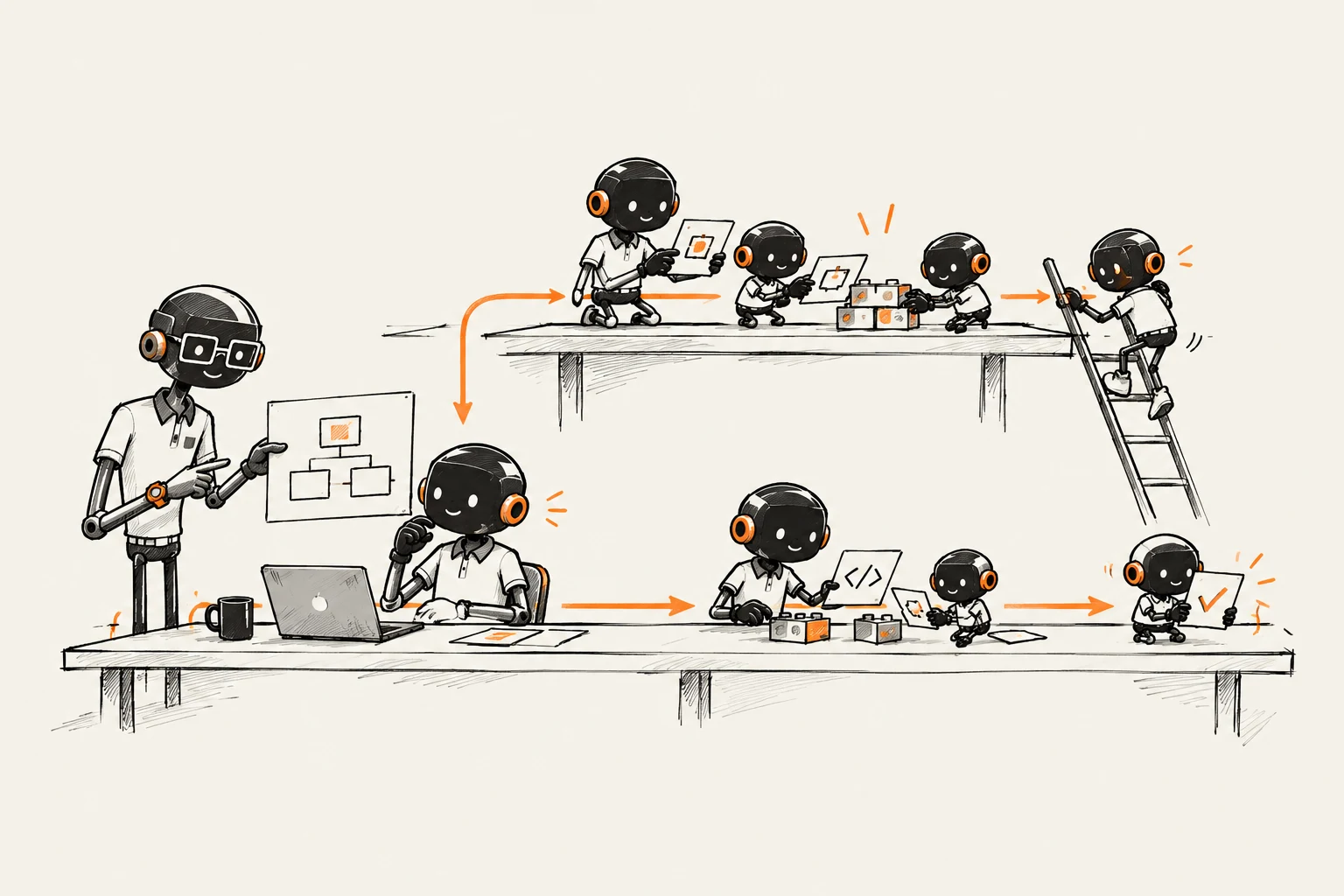
The harness is the environment an agent works in. It determines what context the agent gets, which tools it can use and which checks apply to its work. Follow a request from the brief to the human decision.
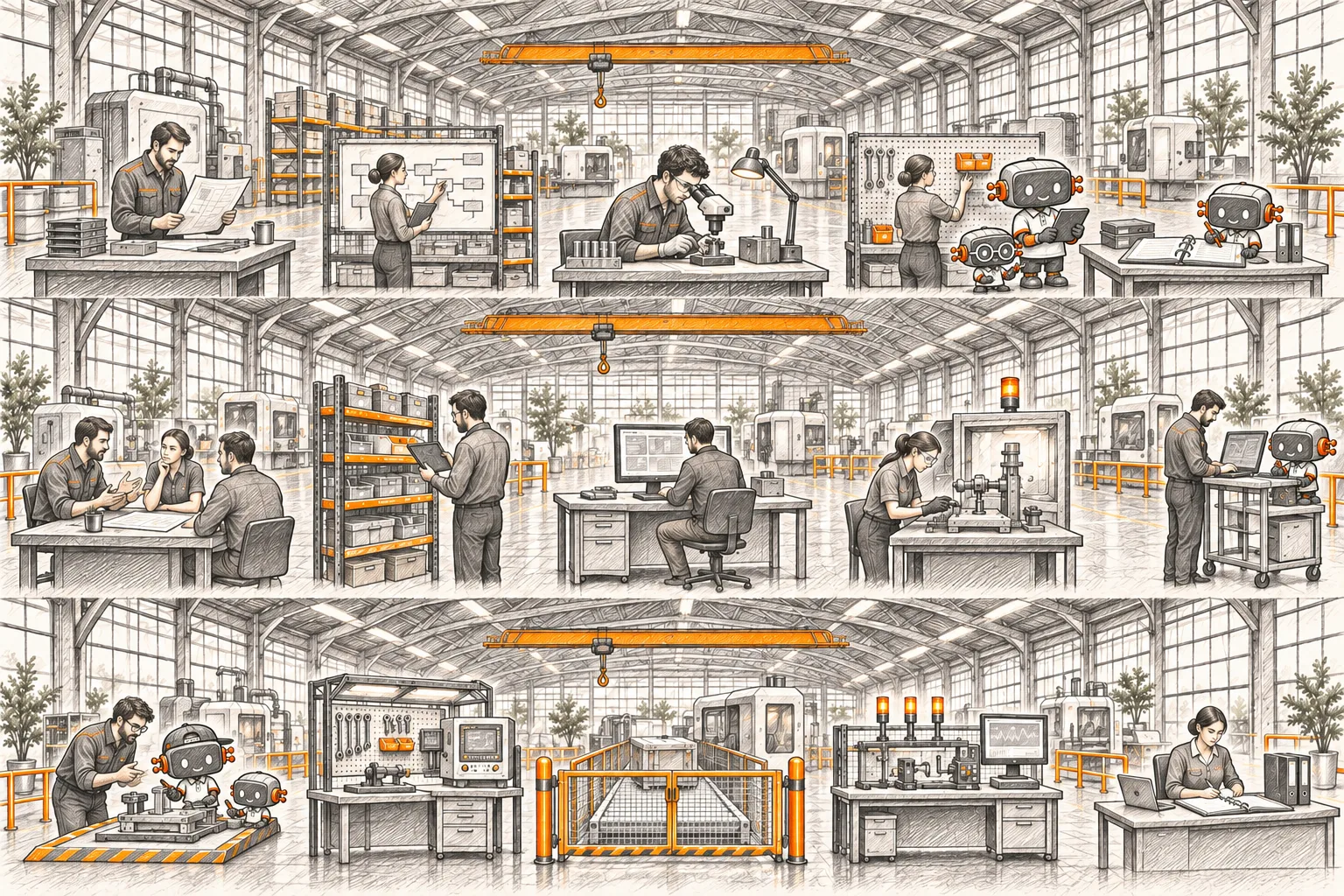
01 / The workshop
A request, from brief to review.
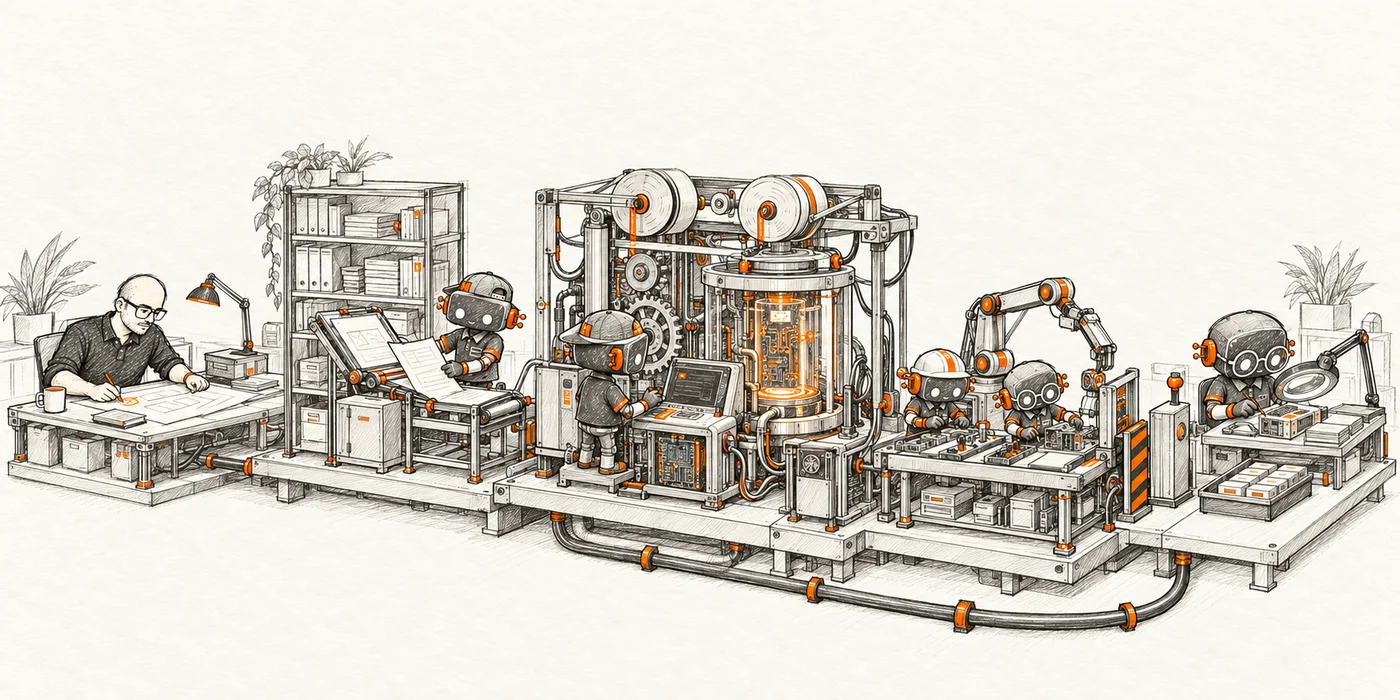
With reduced motion enabled, the workshop stays still. You can explore each step and read the explanation below.
02 / The process
What happens inside?
Define the outcome.
You set the goal, the expected result and the criteria used to check it.
Load the context this step needs.
The harness selects the instructions, documents and current work state needed for the next decision.
The model proposes the next action.
It can respond or request a tool. The harness governs execution through the configured permissions and limits.
Execute, then inspect the result.
The harness checks the tool request. The result goes back to the model, even when the action succeeds, to inform the next step.
Inspect the failure. Fix it or hand off.
Continue when the fix is justified and budget remains. If progress stops, a decision is missing or a limit is reached, hand off with the relevant evidence.
Check the revised version, then review it.
Results for V1 do not validate V2. The affected checks run again and pass in this example. The result still needs review before deciding what comes next.
You stay in control.
You set the goal, the limits and the decisions to be made. The harness prepares a result you can verify; delivery and the intended user outcome still need confirmation.
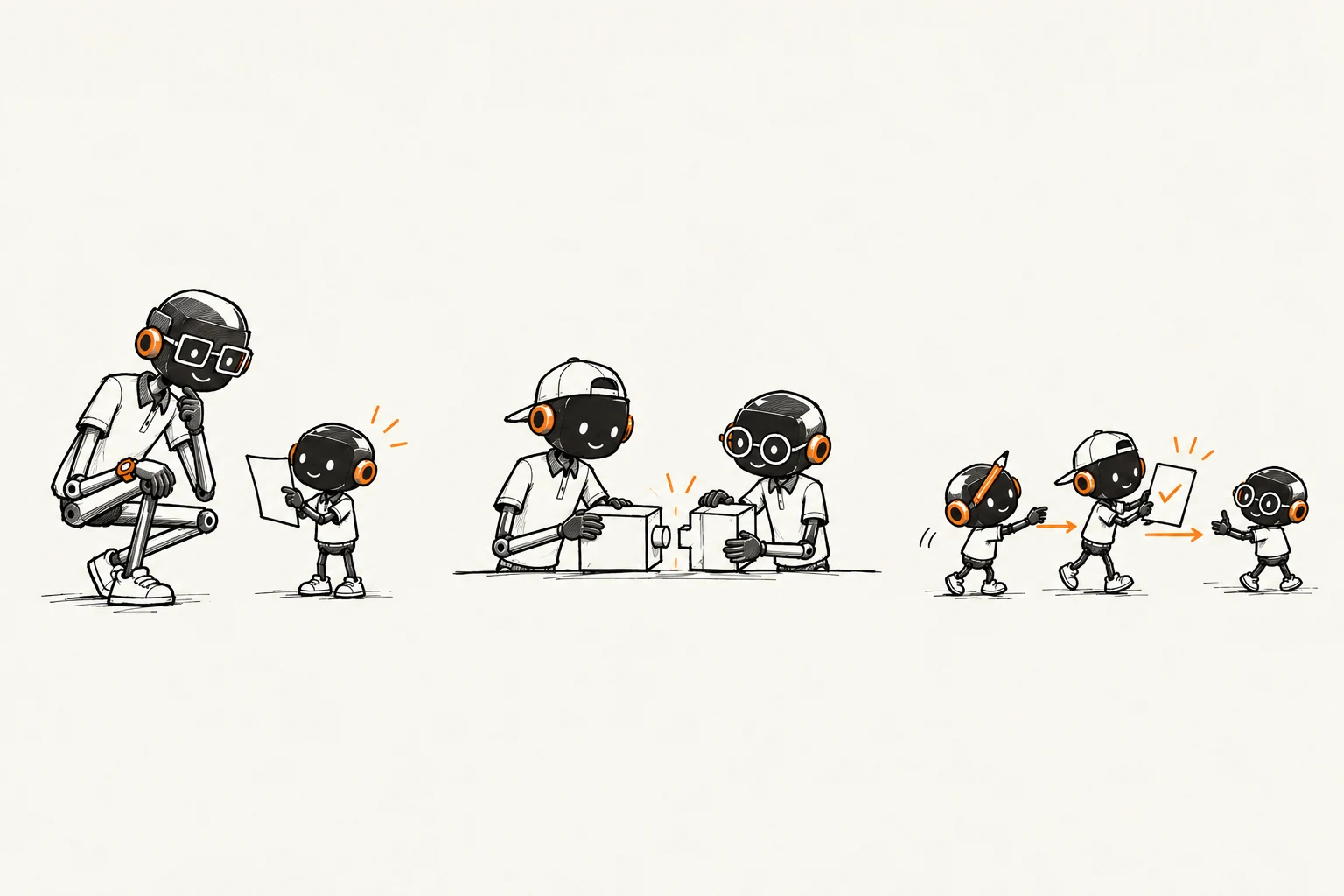
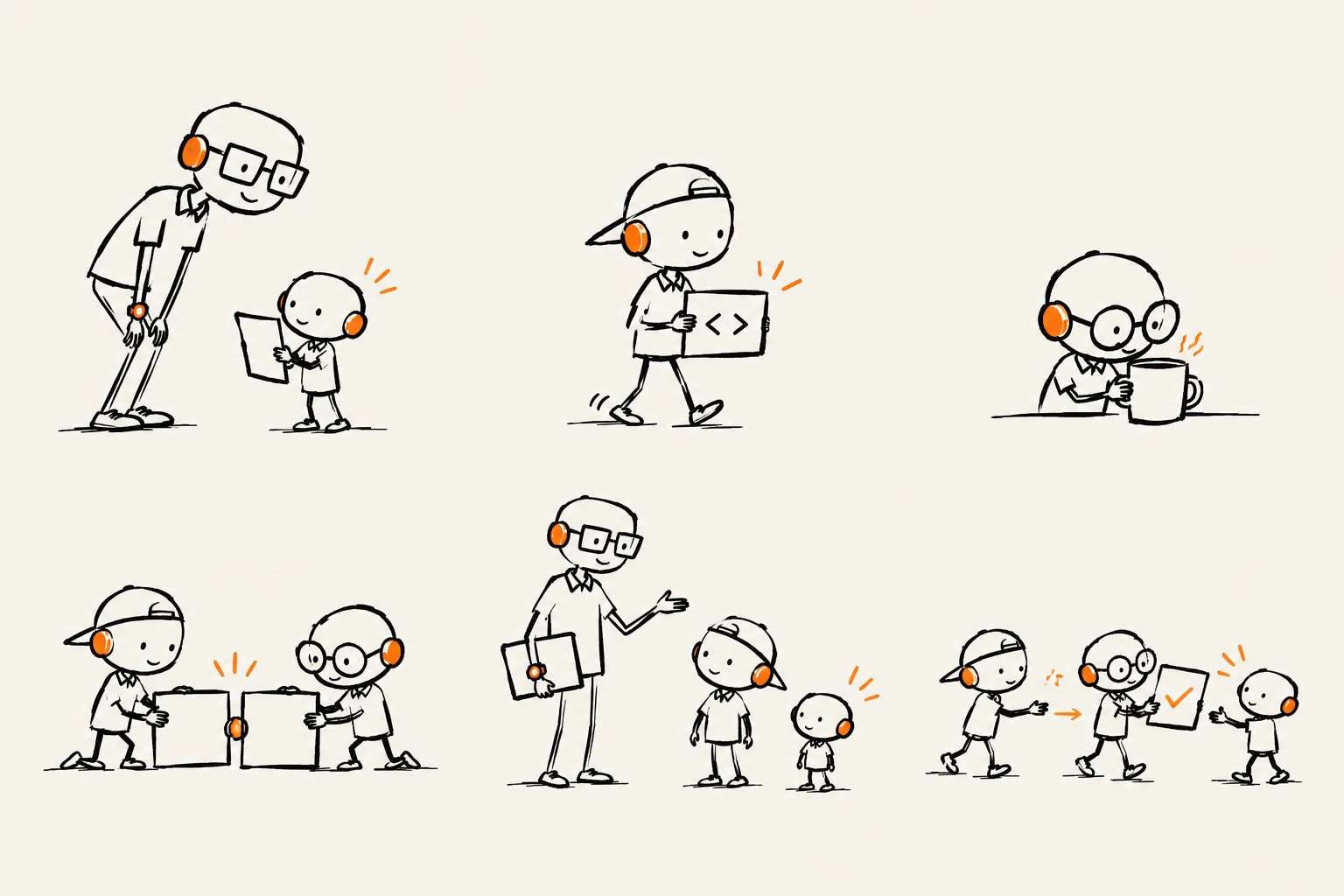
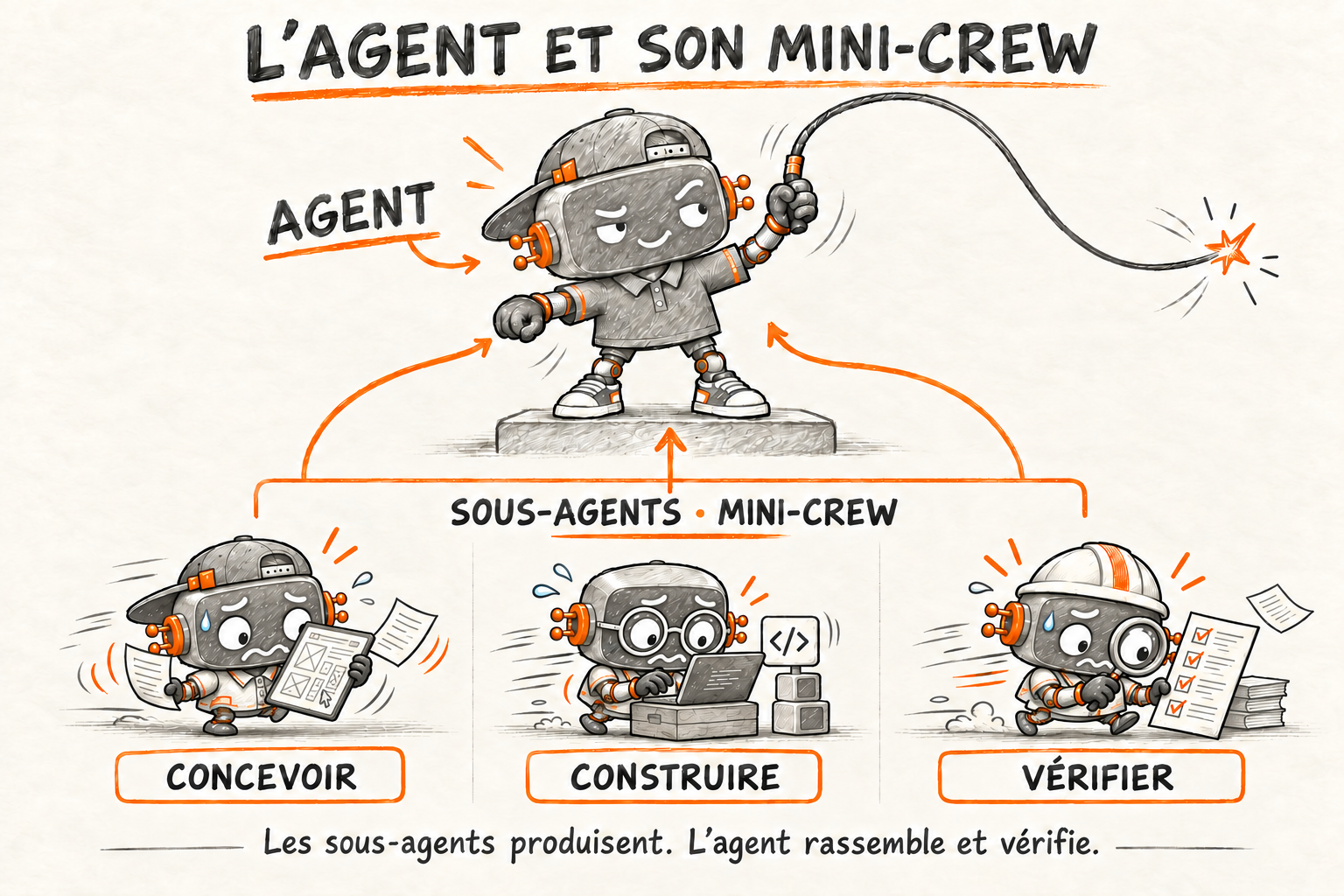
A teaching metaphor, with limits.
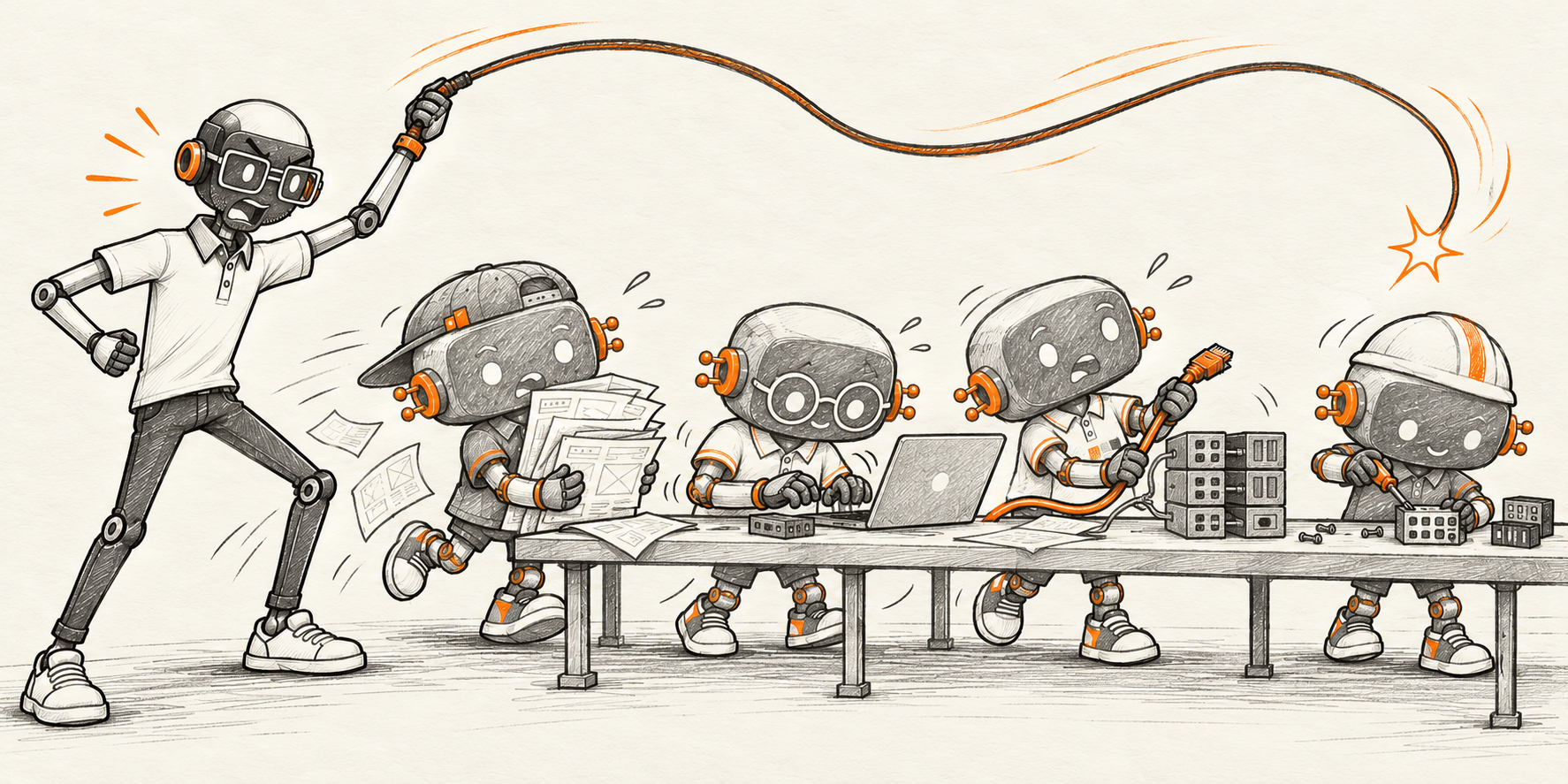
The Crew represent roles: a harness can run with a single agent. Mini-Crew represent delegated tasks. The pipe returns observations; it does not retrain the model. Tools, checks and human approvals depend on the system.
If execution is blocked, the handoff includes previous attempts, the blocker and the decision needed. A test that did not run has an unknown result. Passing checks alone establish neither delivery nor that the user’s need has been met.
03 / In practice
The demonstration follows a form whose submission fails. The check verifies that the user’s text stays in place so they can try again.
How I work · A worked example
Example: a failed send loses the message.
Follow one requirement through four steps: when sending fails, the visitor must be able to retry without typing the message again. This walkthrough is illustrative.
Florian + your team
Keep the visitor’s message safe.
We agree on one concrete requirement: if sending a contact form fails, the visitor must be able to retry without rewriting their message.
What this producesA brief with a testable acceptance criterion.
01 / The agreed brief
Contact form / acceptance criteria
- Name, email and message have visible labels.
- Invalid input gets a specific explanation.
- A failed send keeps all entered text.
- Only a successful send clears the form.
The failed-send case is the one we follow below.
Front-end + back-end agents
Two contributions, one working form.
I give each agent a bounded task and the shared contract. The front-end agent builds the form states; the back-end agent handles validation and responses.
What this producesA proposed change, ready to be checked.
02 / The proposed change
A shared response contract
Fields, error messages and retry state.
Validate input and return success or failure.
A candidate is a proposal. It still needs verification.
Automated checks + human review
The first version loses the message.
A failed-send test exposes the problem. The agent changes the form so it clears only after a successful response, then runs the same check again.
What this producesA correction and a repeatable check, not just a claim that it works.
03 / Evidence from the example
Same test. Different result.
Enter “Hello, I’d like to discuss a project.”, then simulate a failed send.
Message field: empty
The visitor has to start again.
“Hello, I’d like to discuss a project.”
“Sending failed. Your message is saved here. Try again.”
Illustrative results for this walkthrough.
Florian + your team
We check the fix before accepting it.
The agents return the code change and the before-and-after test. I inspect the change and repeat the failed-send scenario with your team. We accept the change or send it back for correction.
What this producesDecision: accept the change or request a correction.
04 / Review the fix
The same failed-send test, before and after
The visitor must type everything again.
The visitor can retry with the same message.
Change to inspectClear the fields only after a successful send.
Before going liveThis checks message preservation only. Actual email delivery, spam protection and production settings still need verification.
Step 1 of 4 · Define the request
Explore the agent and subagent setup
How the work is organised
Inside an agent harness.
This is a possible setup, adapted to the team, repository and task.
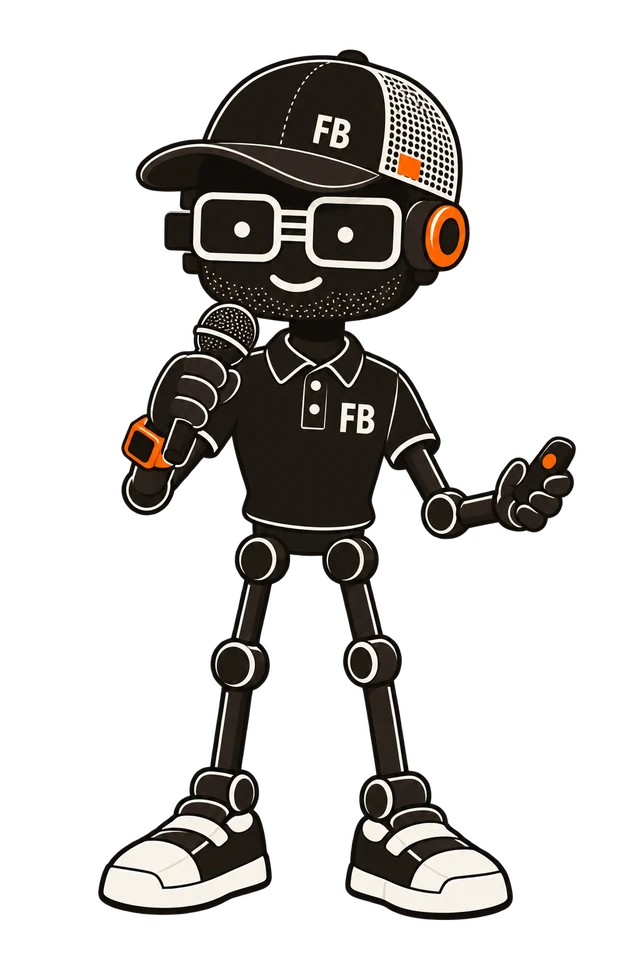
Choose the objective, set limits and review the result.
Harness · shared working environment
Context · execution · controls- Knowledge & memorySelected sources, documentation and retained decisions.
- Instructions & skillsTask guidance, reusable methods and working conventions.
- Tools & permissionsScoped access to code, commands and connected systems.
↓ Available according to the task and permissions
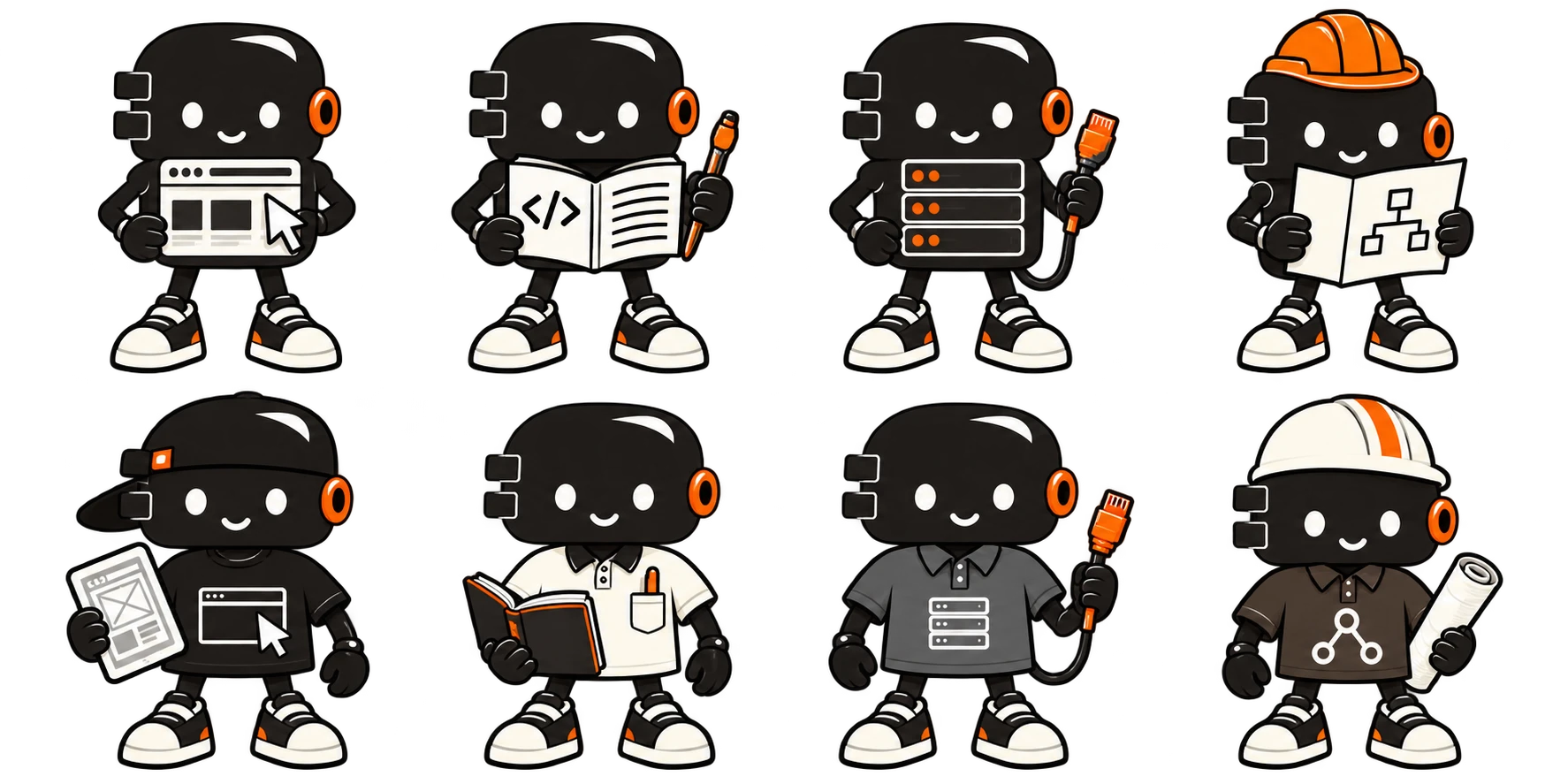
Front-end agent
Build the interface and integrate the contributions.
Level 2 / Delegated tasks
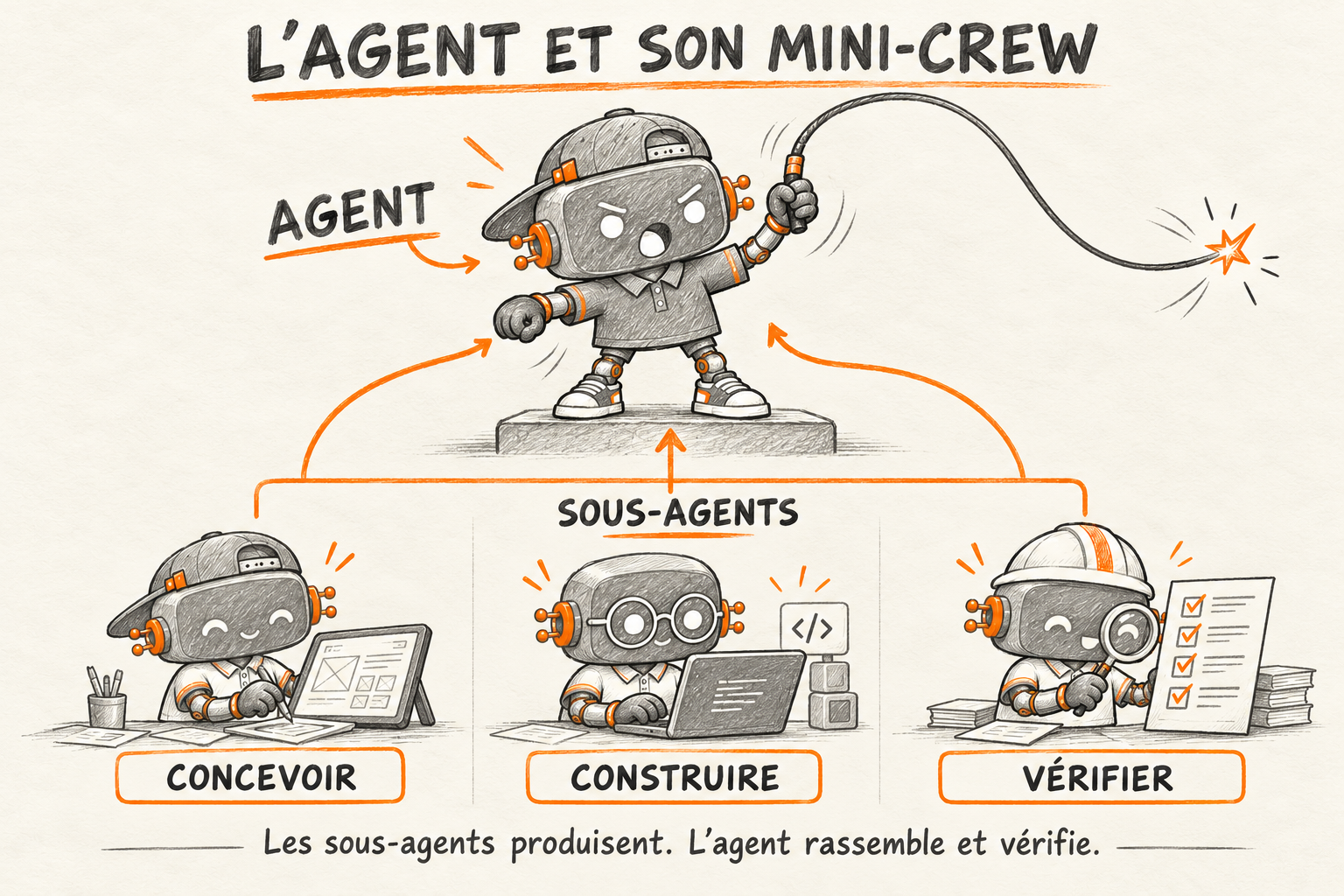
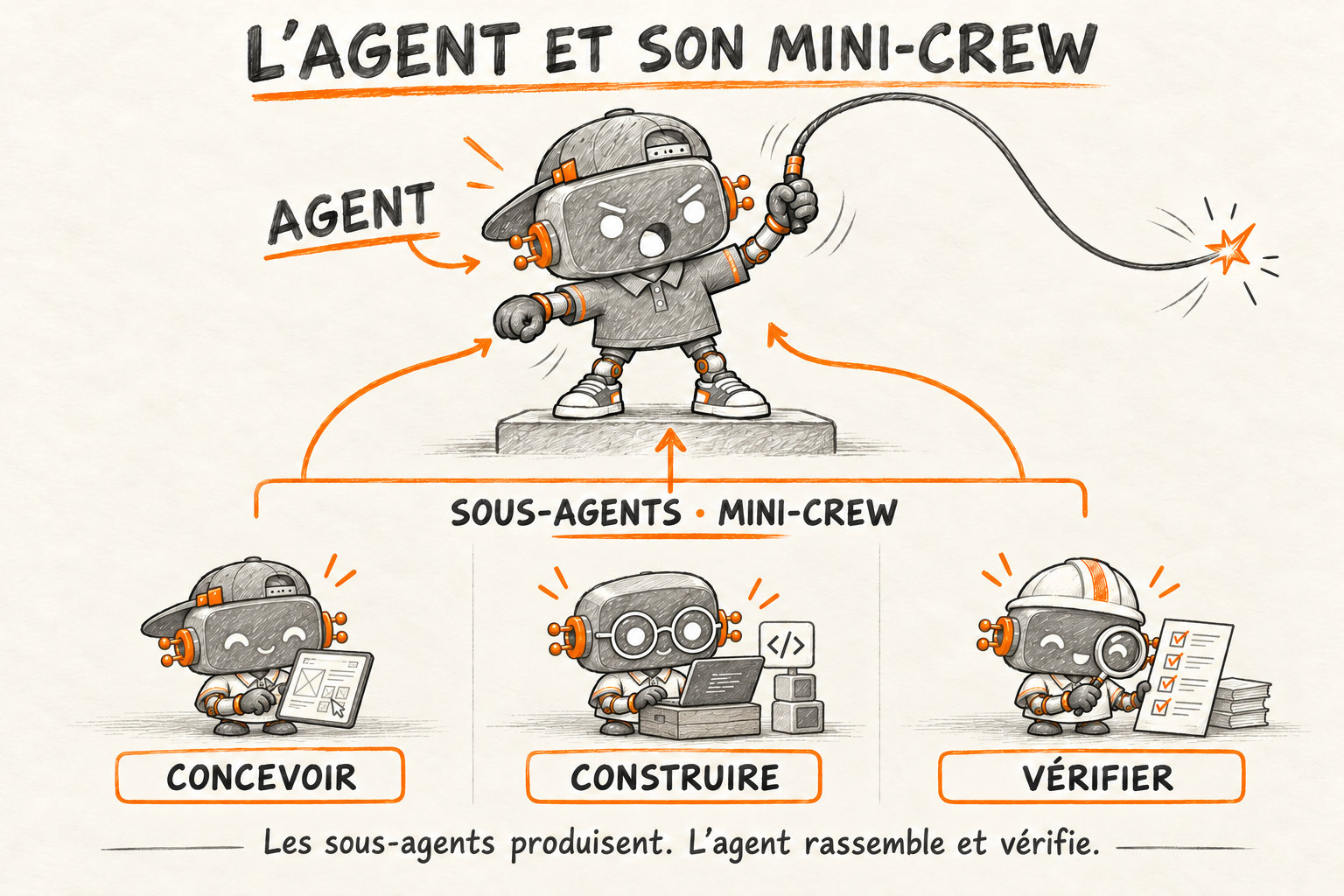
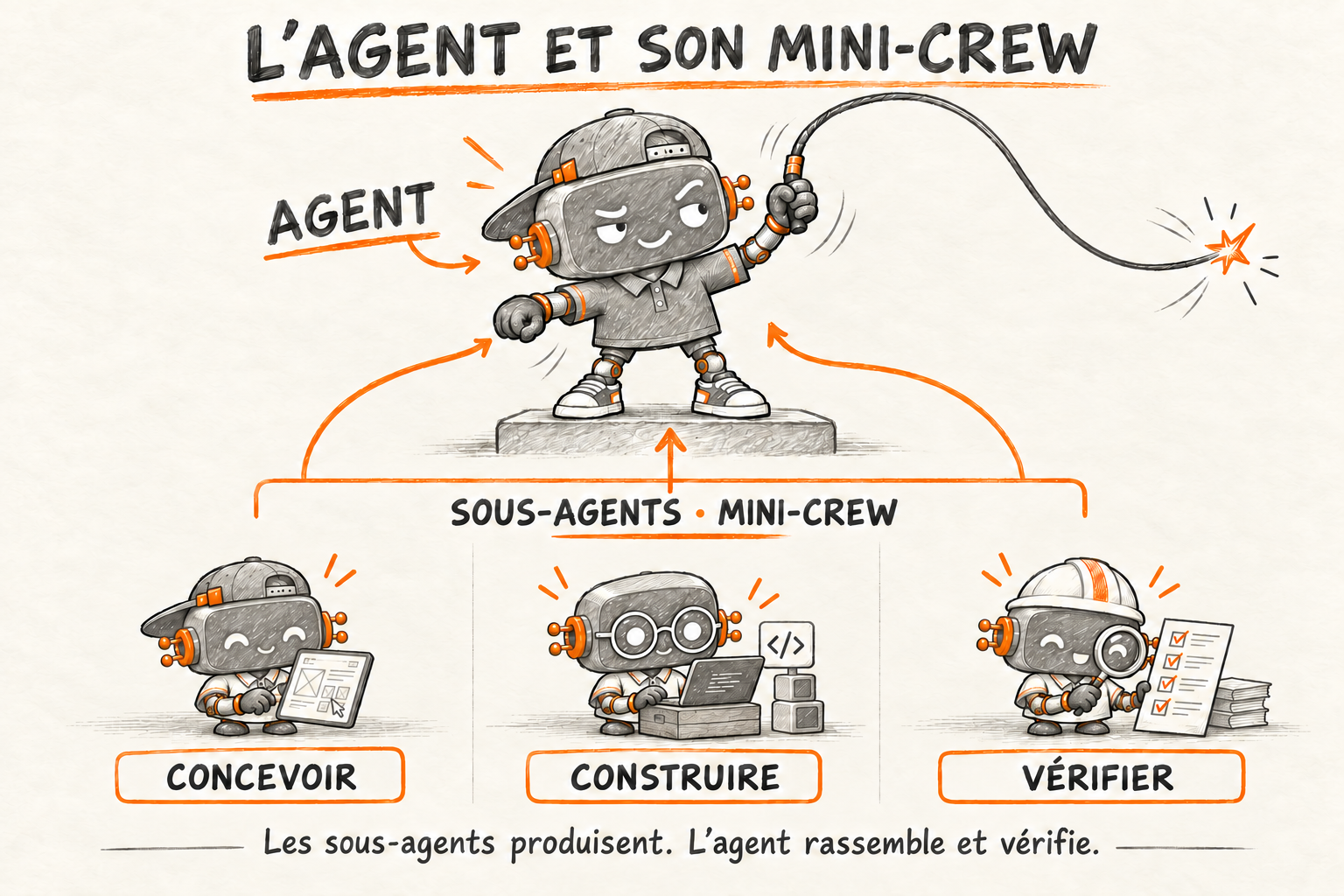
Each subagent receives a task and its context.
- UI designer subagent
Prepare the visual states
Layouts, variants and empty states.
- Front-end subagent
Build the components
Scoped components and interactions.
- Technical writer subagent
Document the usage
Usage notes and known limits.
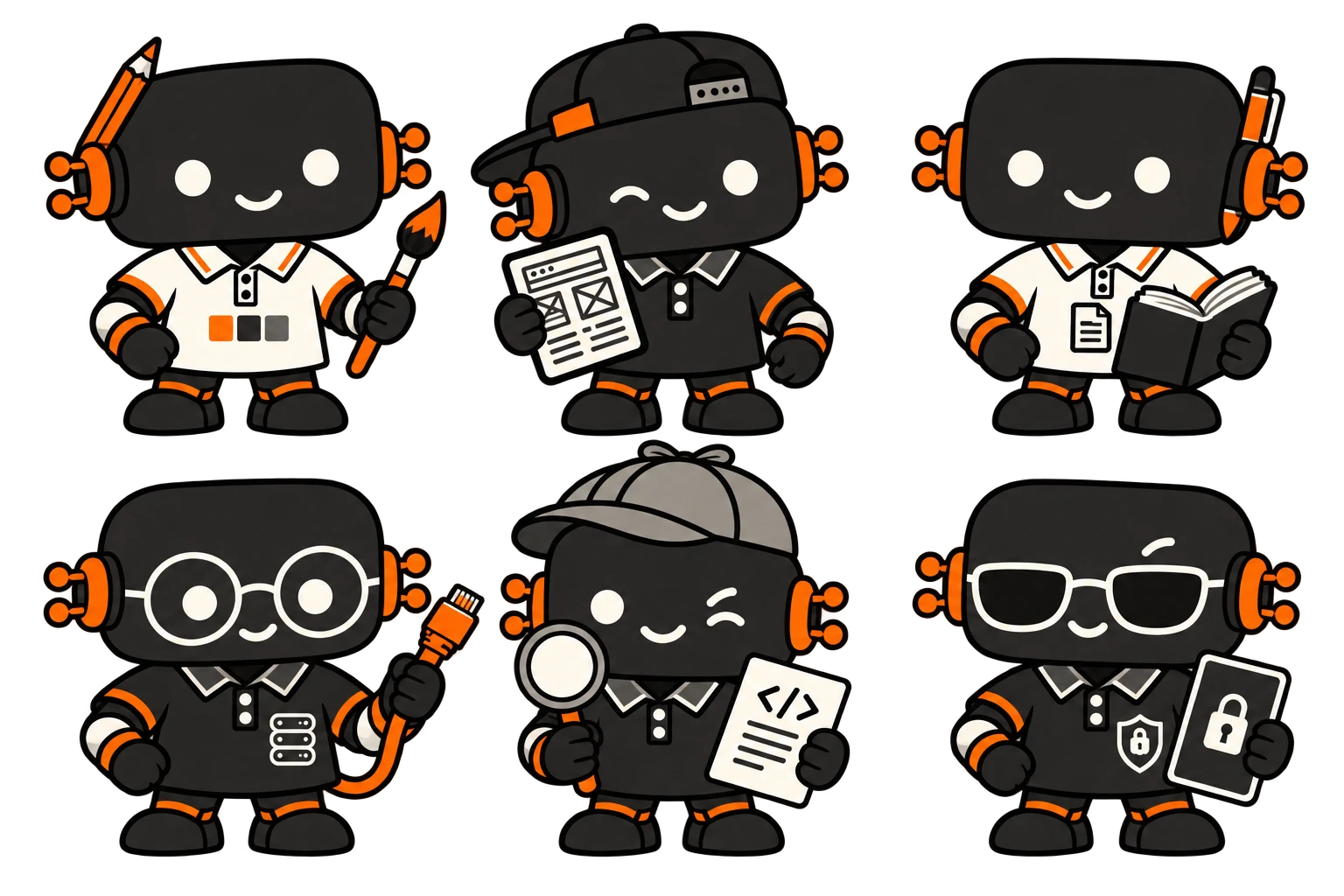
Results return to the mission agent. It checks and assembles the contributions.
A complete user journey, ready for review.
Back-end agent
Prepare the data and verify the exchanges.
Level 2 / Delegated tasks
Each subagent receives a task and its context.
- Back-end subagent
Adapt an endpoint
Contract and expected data.
- Debugger subagent
Reproduce a defect
A reproducible case and diagnosis.
- Security subagent
Check the access rules
Allowed and denied cases, with findings.
Results return to the mission agent. It checks and assembles the contributions.
An integrated API, with its verification results.
Run configured checks. The mission results return to Florian and your team for review and a decision on delivery.
↶ Findings and corrections feed the next step. Useful decisions can be retained under the team’s memory rules.
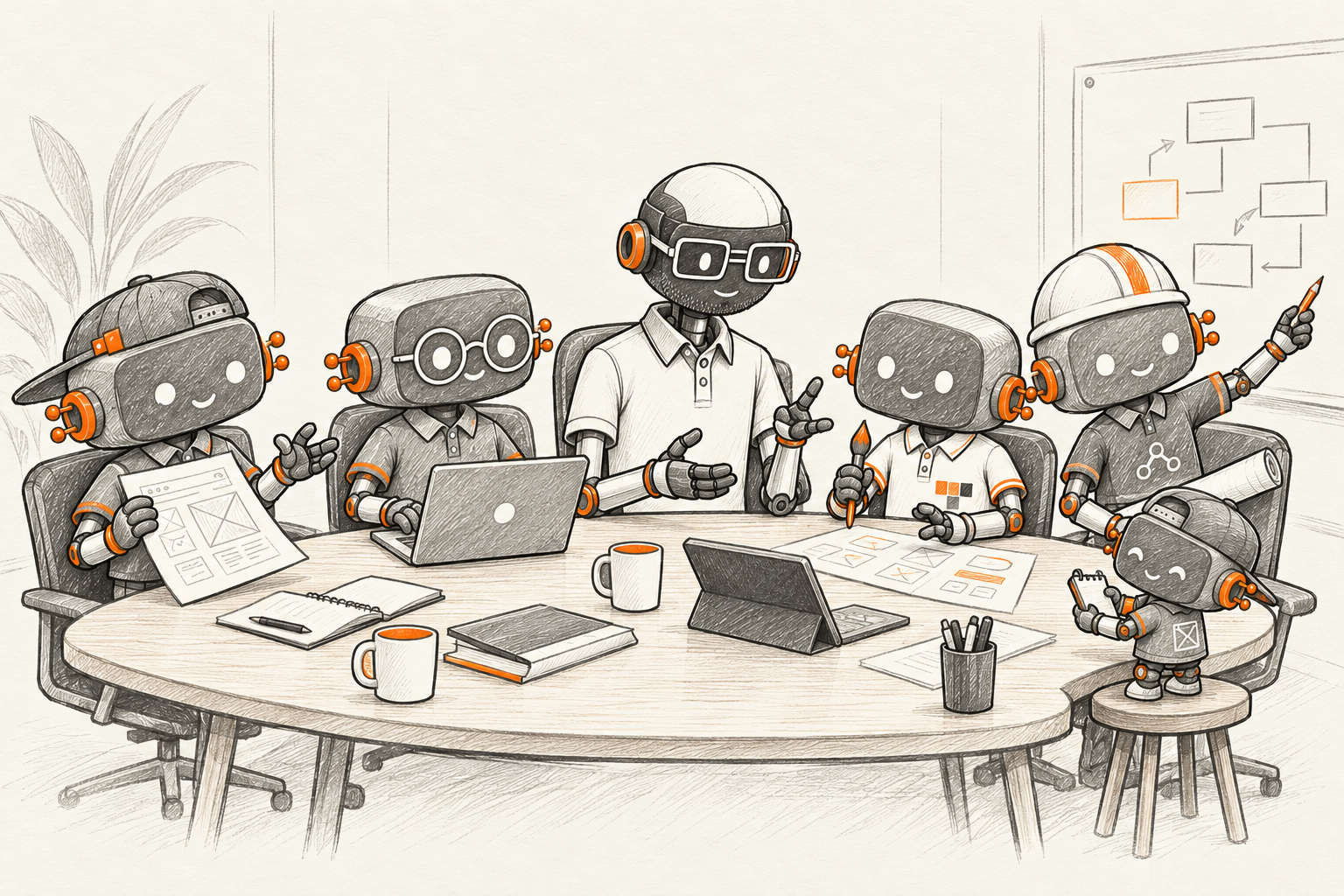

One ticket, three ways to work
In this example, a form clears the message when submission fails. The same ticket shows how to choose a first experiment, train the team or add a check to the repository.
AI audit and roadmap
- Set the scope
We follow a support ticket through to the fix, looking at one form and one repository.
- Map the work
We find the original report, the conditions that reproduce the failure and the checks already in place.
- Verify findings
We simulate a rejected submission. The field clears and the existing checks miss the lost text.
- Set priorities
We choose to test message preservation first so users can retry without retyping their message.
- Hand over
Leadership gets the priority and the reason behind it. The team gets the steps to reproduce the bug.
Audit Brain · Where it is in scope, sources and findings are organised there throughout the audit.
AI training & coaching
- Set the goal
The team wants to delegate a fix to an agent and show that the message survives a failed submission.
- Choose a task
Participants replay the ticket in a training repository using a sample message.
- Configure the agent
They give the agent the ticket, the relevant files and the expected behaviour if submission fails.
- Test and fix
They force a failed submission, confirm the test catches the lost text, then check the proposed fix.
- Repeat and share
A teammate repeats the exercise with another case, such as a network outage, and explains what the test covers.
AI agent integration
- Scope the pilot
We scope the pilot to one repository and measure fix and review time on a comparable ticket.
- Configure
We give the agent the ticket and the test tools. Its access stays within the scope of the pilot.
- Test a failure
We simulate a rejected submission and check that the test fails if the form clears the message.
- Run the test again
We rerun the test after the fix. The team also checks that the form clears after a successful submission.
- Hand over
The team takes over the setup and test scenario. It decides whether to extend, adjust or stop the pilot.
04 / Go deeper
Put the loop into practice.
Four readings on the decisions behind this workshop, from the agent loop to work that reaches users.
From code to merge
Connect implementation, checks and human review in one workflow.
ArticleThe agent loop
Understand what happens between a model response and a tool result.
ArticleWhat a check establishes
Separate a passing check from a decision to merge or release.
ArticleFollowing work through to use
Look beyond generated code to the result people can actually use.
Illustration generated from the brandbook reference. Animation adapted from workshop study V9.
Your team, your constraints